
Download aWallet Password Manager – password manager, secure password storage, android app, master password, biometric unlock, encrypted data, e-banking credentials, credit card storage, password generator, data backup, secure notes
Overview
Key Features & Capabilities
- Secure Data Encryption: All stored data—including entry names, category definitions, and content—is encrypted using AES or Blowfish algorithms with key sizes of 128, 192, or 256 bits. This ensures that sensitive information remains protected even if the device is compromised.
- Master Password Protection: Access to the vault is secured by a single master password, which is combined with a randomly generated salt to prevent offline dictionary attacks.
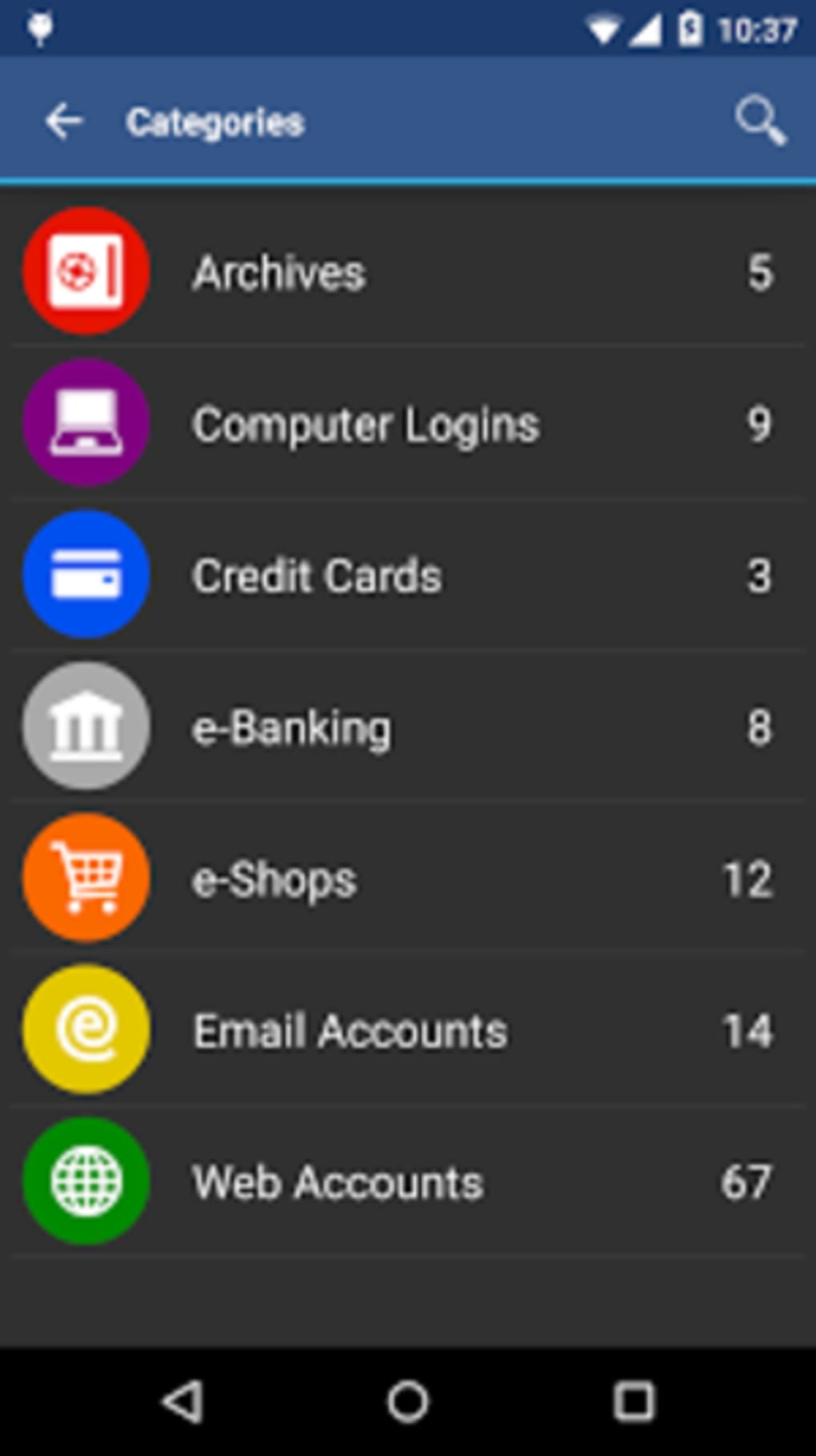
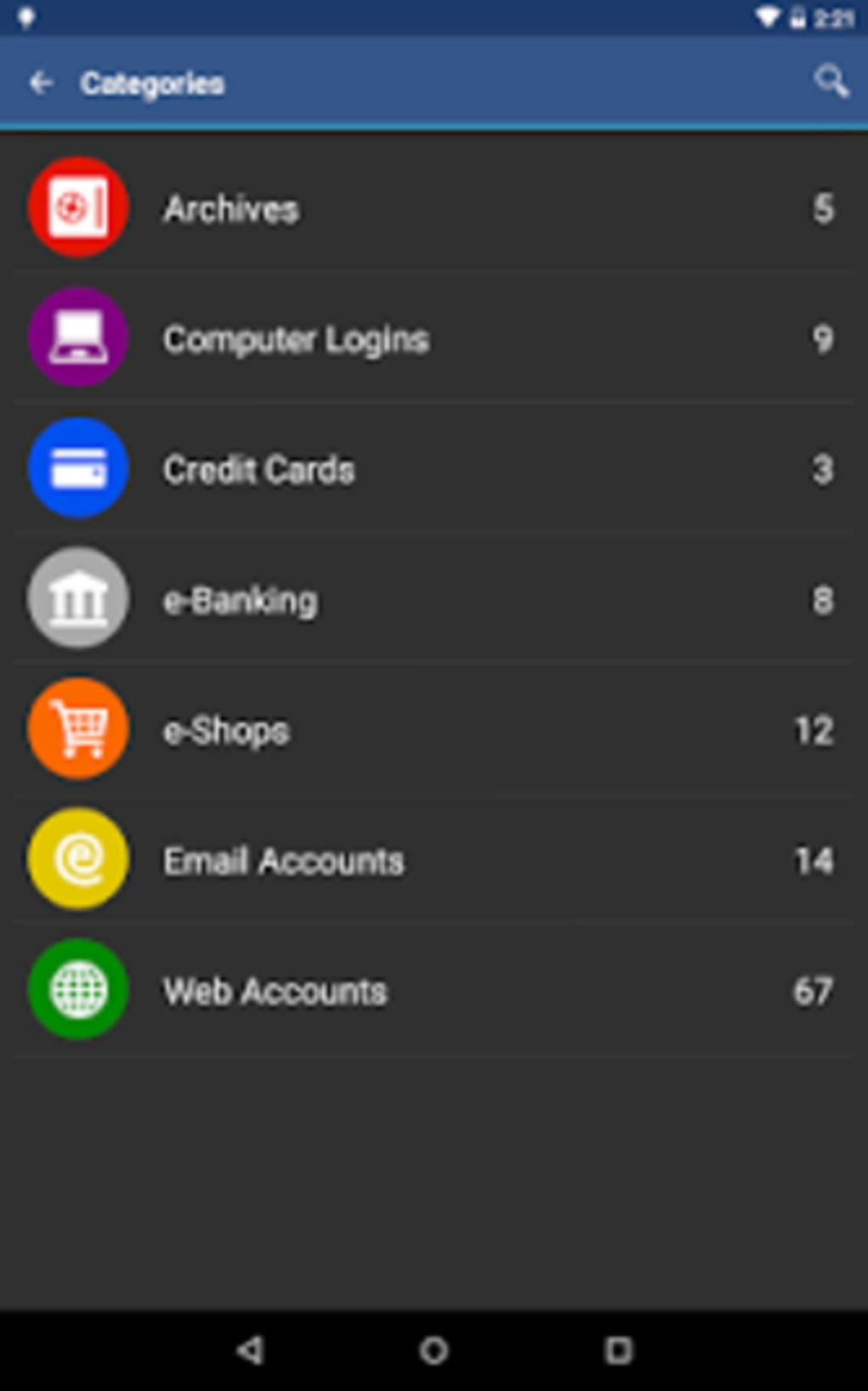
- Customizable Data Categories: Users can define and edit custom categories for organizing entries, each with a unique icon for visual identification and easier navigation.
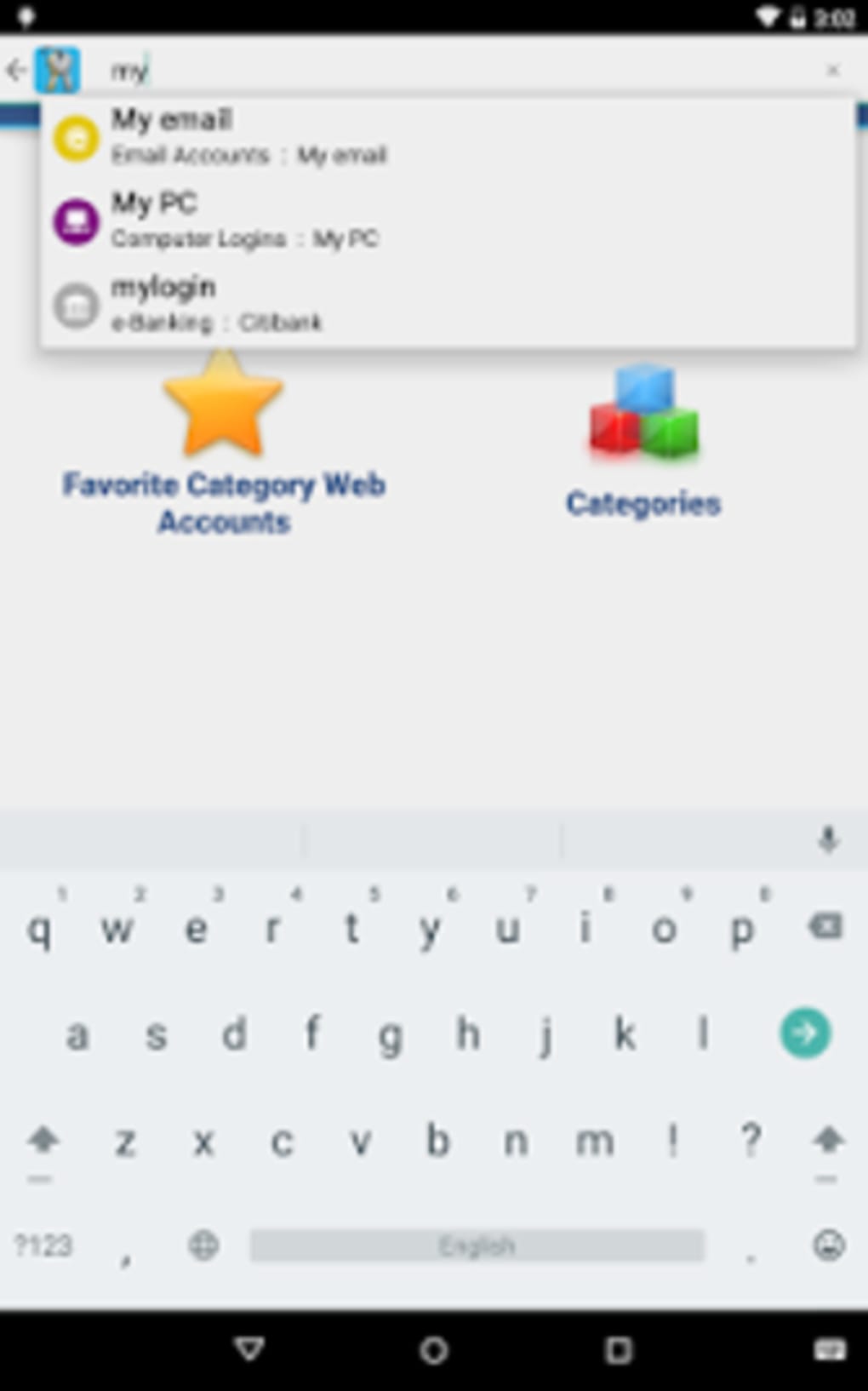
- Integrated Search Function: A built-in search field allows users to quickly locate specific entries by name, category, or keyword, improving retrieval speed and usability.
- Auto-Destruct Feature: After a predefined number of failed unlock attempts, the data file can be automatically destroyed, adding a critical layer of defense against brute-force attacks.
- Pro Features via In-App Purchase: Additional functionality includes biometric unlock (fingerprint or face recognition), a built-in password generator, and CSV import capabilities for data migration.
User Interface, Workflow & Performance
The user interface of aWallet Password Manager is designed with simplicity and functionality in mind. The layout emphasizes clarity, with a clean navigation structure that allows users to access their vault, add new entries, edit existing ones, and perform searches with minimal steps. The workflow is linear and intuitive: unlock the app with the master password, browse or search entries, and retrieve or copy credentials with a single tap. The developer did not specify resource usage details, so exact performance behavior in terms of CPU or RAM consumption remains unknown. However, based on general software behavior patterns, the app is expected to operate efficiently on modern Android devices. Stability is assumed to be consistent with standard mobile applications of similar scope. The app does not display intrusive ads or third-party integrations, which may contribute to a smoother user experience. Overall, the interface supports efficient interaction without unnecessary complexity, making it accessible for users of varying technical skill levels.Compatibility & System Requirements
aWallet Password Manager is designed exclusively for Android devices. The application supports the latest Android OS versions, though specific compatibility details were not listed. The installation size is 10.8 MB, indicating a lightweight footprint suitable for devices with limited storage. The developer did not specify exact hardware requirements or minimum Android version. Therefore, compatibility with older or low-end devices cannot be confirmed. Users should verify that their device meets the platform’s baseline requirements for running third-party applications. The app is available through the Google Play Store, ensuring standard distribution and update mechanisms. No additional dependencies or external services are required for core functionality.Pros and Cons
Pros
- Strong encryption using AES or Blowfish with 128–256 bit keys
- Master password with salted hashing for enhanced security
- Customizable categories with user-defined icons
- Efficient search functionality for quick data retrieval
- Auto-destruction after failed unlock attempts
- Free version with core security features
- Pro features available via one-time in-app purchase
Cons
- Exact system requirements were not listed
- Performance behavior under load not specified
- Only available on Android (no iOS or desktop support)
- Pro features require in-app purchase
- No cloud sync or backup options mentioned
FAQ Section
Is aWallet Password Manager available for iOS devices?
The software is currently available only on Android. No information was provided about iOS compatibility.
Can I use biometric authentication with aWallet Password Manager?
Biometric unlock (fingerprint or face recognition) is available in the Pro version, accessible via a one-time in-app purchase.
Is my data backed up automatically?
The developer did not specify whether automatic data backup is supported. Users are advised to manually back up their data file.
Does aWallet Password Manager require an internet connection?
Core functionality operates offline. Internet access is only needed for downloading updates or accessing Pro features via in-app purchase.
What happens if I forget my master password?
The app does not provide a recovery mechanism. Users are responsible for securely storing their master password, as there is no reset option.





.png)

